When it comes to creating engaging content, understanding the optimal tik tok video aspect ratio is crucial for ensuring your videos look professional and capture attention. Yes, the standard 9:16 vertical aspect ratio is ideal for TikTok, allowing your content to fill the screen beautifully. This means a resolution of 1080 pixels wide by 1920 pixels tall. However, simply using these dimensions doesn't guarantee a perfect upload. Many creators find their videos still get unexpectedly cropped or key elements are obscured by the TikTok interface. The catch? It's not just about the raw dimensions; it's about understanding TikTok's "safe zones" and how the platform's UI overlays your content. Ignore these, and your perfectly composed video might end up with crucial text or actions cut off.
⚡ Quick Verdict:
- ✅ Yes for 9:16 (1080x1920) for full-screen vertical content
- ⚠️ Maybe for 1:1 (square) or 4:5 if content is carefully centered, but expect black bars
- ❌ No for 16:9 (horizontal) if you want your video to fill the vertical screen
- 👉 Key Factor: Prioritize "safe zones" to avoid UI overlays cropping important elements
What is the Ideal Tik Tok Video Aspect Ratio?
The ideal tik tok video aspect ratio for a full-screen, immersive viewing experience is 9:16. This vertical orientation is designed specifically for mobile devices, allowing your video to take up the maximum screen real estate on a smartphone. While TikTok technically supports other aspect ratios like 1:1 (square) or even 16:9 (horizontal), using anything other than 9:16 will result in black bars appearing above/below or on the sides of your video, diminishing the visual impact and potentially pushing viewers to scroll past.
For the 9:16 aspect ratio, the most commonly recommended resolution is 1080 pixels by 1920 pixels (width x height). This provides a crisp, high-definition image that looks great on most modern smartphones. While you can upload videos with lower resolutions, 1080p is generally the sweet spot for quality without excessive file sizes.
Here’s a breakdown of recommended resolutions and aspect ratios for TikTok:
| Aspect Ratio | Resolution (Width x Height) | Description | Optimal Use Case |
|---|---|---|---|
| 9:16 | 1080 x 1920 pixels | Full-screen vertical video | Recommended for all TikTok content |
| 1:1 | 1080 x 1080 pixels | Square video, will have black bars top/bottom | Repurposing Instagram feed content |
| 4:5 | 1080 x 1350 pixels | Slightly taller than square, still has black bars | Less common, niche use |
| 16:9 | 1920 x 1080 pixels | Horizontal video, will have significant black bars | Not recommended for native TikTok |
Using the correct aspect ratio ensures your video is displayed as intended, without distortion or unwanted scaling. This is critical for maintaining visual quality and audience engagement.
Understanding TikTok's Safe Zones and UI Overlays
Even when you export your video in the perfect 9:16 aspect ratio at 1080x1920, you might notice that text or graphics near the edges get cut off. This isn't a bug; it's due to TikTok's user interface (UI) elements that overlay your video. These elements include the profile icon, follow button, like/comment/share buttons, description, and sound information. To ensure critical information isn't obscured, you need to design within TikTok's "safe zones."
Safe zones are the areas of your video that are guaranteed to be visible and free from UI interference. While there aren't official pixel-perfect guidelines from TikTok, seasoned creators recommend keeping important visual elements and text within specific boundaries.
Top and Bottom Overlays
The top and bottom sections of your 9:16 video are where the most significant UI elements reside.
- Top: Your profile picture, username, and the "Follow" button are typically in the top left. The video title/description often starts here too.
- Bottom: This is the busiest area, housing the like, comment, share, and sound icons, along with the video description and any hashtags.
To be safe, avoid placing crucial text or visual information in the top 15-20% and the bottom 25-30% of your video frame. This means focusing your primary visual content and text in the central vertical strip.
Side Overlays
While less intrusive than the top and bottom, the sides also have elements.
- Left: Sometimes the video description can extend further left, and on some devices, system indicators (time, battery) might slightly overlap.
- Right: The primary interaction buttons (like, comment, share) are stacked vertically on the right side.
It's wise to keep important content away from the extreme left and right edges as well, especially the right side where the interaction buttons are prominent. Aim for a central "safe zone" that is roughly 60-70% of the screen width.
The Importance of Centering
Given the various UI overlays, centering your main subject, text, and calls to action becomes paramount. If your video is designed with important elements too close to the edges, they will be covered. This means:
- Text Placement: Always place subtitles or on-screen text within the central safe zone. Many creators use the bottom third of this safe zone for subtitles, but never too low.
- Action/Focus: Ensure the primary action or subject of your video is well within the central frame, especially if you're repurposing content that wasn't originally shot for TikTok.
By understanding and designing within these safe zones, you can master the tik tok video aspect ratio not just in dimensions, but in effective visual communication.
Is TikTok 9:16 or 3:4 Aspect Ratio?
This is a common question, and the answer is definitively 9:16 for the optimal full-screen experience.
-
9:16 Aspect Ratio: This is the standard vertical video format that perfectly fills a smartphone screen when held in portrait mode. It's 1080 pixels wide by 1920 pixels tall (or any resolution with that proportion). This is what TikTok prefers and what creators should aim for.
-
3:4 Aspect Ratio: A 3:4 aspect ratio is slightly wider and shorter than 9:16. If you upload a 3:4 video to TikTok, it will still be displayed, but TikTok will add black bars either above and below the video, or the platform might zoom in and crop the sides to fit the 9:16 frame. Neither is ideal. If you have existing content in 3:4, you might consider cropping it to 9:16 in your editing software, or adding creative background elements to fill the 9:16 canvas, rather than letting TikTok handle it automatically.
While TikTok technically allows a range of aspect ratios, the platform is designed around the 9:16 vertical format. Deviating from this will always result in a less optimized viewing experience, either through black bars or unwanted cropping. Therefore, if you're asking "Is TikTok 9:16 or 3:4?", the clear recommendation for maximizing your content's impact is 9:16.
TikTok 9:16 vs. YouTube 16:9: Which Ratio Do You Need?
The choice between a 9:16 and 16:9 aspect ratio depends entirely on the platform you're targeting and the viewing experience you want to provide. These two ratios represent the fundamental difference between vertical and horizontal video content.
-
TikTok 9:16 (Vertical):
- Purpose: Designed for mobile-first, full-screen vertical viewing.
- Engagement: Highly immersive, as it fills the entire screen, reducing distractions. Viewers are accustomed to scrolling through vertical content.
- Content Style: Often fast-paced, direct-to-camera, short-form, and highly visual.
- Considerations: Requires careful planning around UI safe zones to prevent important elements from being obscured.
-
YouTube 16:9 (Horizontal):
- Purpose: The traditional widescreen format, ideal for desktop monitors, smart TVs, and horizontal viewing on mobile devices.
- Engagement: Provides a broader canvas for storytelling, cinematic shots, and detailed visuals. Viewers typically watch longer-form content in this format.
- Content Style: Suited for vlogs, tutorials, documentaries, gaming, and any content that benefits from a wider field of view.
- Considerations: While YouTube supports vertical video, it will display with black bars on the sides, making the viewing experience less optimal than native 16:9 content.
Which Ratio Do You Need?
If your primary goal is to create content specifically for TikTok, you absolutely want the 9:16 aspect ratio. It's what the platform is built for, and it delivers the best user experience.
If you are creating content primarily for YouTube, then 16:9 is your go-to.
Repurposing Content: Many creators produce content for both platforms. If you shoot in 16:9 for YouTube, extracting a 9:16 segment for TikTok can be tricky. You'll either have to heavily crop a central portion of your 16:9 video (losing much of the original frame) or add creative backgrounds/blurs to fill the 9:16 canvas. Conversely, if you shoot in 9:16 for TikTok, expanding it to 16:9 for YouTube will require adding side elements or accepting black bars.
The best strategy for multi-platform creators is often to either:
- Shoot for 9:16 first, then adapt for 16:9 by adding side elements.
- Shoot in a "safety box" within 16:9, ensuring all critical action and text is contained within a virtual 9:16 center, allowing for easy cropping later.
Here's a comparison of common aspect ratios for popular video platforms:
| Platform | Recommended Aspect Ratio | Resolution (Primary) | Orientation | Notes |
|---|---|---|---|---|
| TikTok | 9:16 | 1080 x 1920 | Vertical | Full-screen mobile experience, mind UI safe zones. |
| YouTube (Standard) | 16:9 | 1920 x 1080 | Horizontal | Traditional widescreen, ideal for longer videos. |
| YouTube Shorts | 9:16 | 1080 x 1920 | Vertical | TikTok-like experience within YouTube. |
| Instagram Reels | 9:16 | 1080 x 1920 | Vertical | Similar to TikTok, also has UI overlays. |
| Instagram Feed (Video) | 1:1, 4:5, 9:16 | 1080 x 1080 (1:1) | Square/Vertical | Flexible, but vertical (9:16) often gets more screen space. |
| Facebook (Video) | 16:9, 1:1, 9:16 | 1920 x 1080 (16:9) | Mixed | Supports various, 1:1 often performs well in feeds. |
For content specifically designed to thrive on TikTok, prioritizing the 9:16 tik tok video aspect ratio is non-negotiable.
Common Mistakes When Exporting TikTok Videos
Even with a clear understanding of the ideal tik tok video aspect ratio, creators often make a few common mistakes that can hinder their video's performance and appearance on the platform. Avoiding these pitfalls can significantly improve your content's quality and engagement.
- Exporting in 16:9 (Horizontal) for Native TikTok Uploads: This is perhaps the most frequent mistake. While 16:9 is perfect for YouTube, uploading it directly to TikTok will result in large black bars on the top and bottom of your video. This makes your content appear smaller, less immersive, and less professional, as it doesn't utilize the full screen of a mobile device. Always convert or shoot in 9:16 for TikTok-first content.
- Placing Critical Elements Too Close to Edges: As discussed with safe zones, TikTok's UI overlays cover significant portions of the top, bottom, and right sides of your video. Placing text, logos, or crucial visual information in these areas means it will be obscured. Always preview your video with an awareness of where TikTok's interface elements will appear.
- Using Low Resolution or Incorrect Resolution for 9:16: While 9:16 is the aspect ratio, the resolution matters for clarity. Exporting at resolutions lower than 1080x1920 (e.g., 720x1280) can make your video appear pixelated or blurry, especially on higher-density phone screens. Conversely, using an incorrect resolution like 1080x1920 but for a 16:9 video (which would be 1920x1080) will lead to distortion or black bars.
- Ignoring File Size and Compression: TikTok has file size limits (e.g., up to 287 MB for videos up to 3 minutes). Exporting in excessively high bitrates can lead to large files that take longer to upload or get heavily compressed by TikTok, potentially reducing quality. Find a balance between quality and file size, often achieved with H.264 codec and a moderate bitrate.
- Inconsistent Aspect Ratios in a Single Video: If you're compiling clips from different sources, ensure they all conform to the 9:16 aspect ratio. Mixing 16:9 clips with 9:16 clips within the same TikTok video will create an inconsistent and jarring viewing experience with constantly shifting black bars. Pre-process all your clips to a uniform 9:16.
By being mindful of these common mistakes, you can ensure your content not only fits the tik tok video aspect ratio but also looks its best and effectively communicates your message.
How to Ensure Your TikTok Video Aspect Ratio is Perfect
Achieving the perfect tik tok video aspect ratio and ensuring your content looks pristine requires a few best practices in your video production workflow. It's about planning from the shoot to the export.
- Shoot Vertically (9:16) if Possible: The easiest way to get the right aspect ratio is to shoot your original footage vertically. Most modern smartphones naturally record in 9:16 when held upright. This eliminates the need for heavy cropping later.
- Set Your Editing Software Correctly:
- Project Settings: When starting a new project in your video editing software (e.g., CapCut, DaVinci Resolve, Adobe Premiere Pro, Final Cut Pro), always set your sequence or project dimensions to 1080x1920 pixels. This establishes a 9:16 canvas.
- Fit/Fill Footage: If you're importing 16:9 footage, you'll need to decide how to adapt it. You can:
- Crop to Fill: Zoom in and crop the sides of your 16:9 footage to fill the 9:16 frame. Be careful not to cut off important elements.
- Fit with Background: Scale down your 16:9 footage to fit the width of the 9:16 frame, leaving black bars at the top and bottom. Then, you can add a blurred version of your footage or a solid color as a background to fill these bars.
- Utilize Safe Zone Guides: Many editing software programs offer "safe zone" or "title safe" overlays. While not TikTok-specific, these can give you a general idea of where to keep critical information. Better yet, create your own custom overlay template in your editing software that marks out TikTok's UI safe zones. You can find many such templates online.
- Preview on a Mobile Device: Before finalizing and exporting, always export a short test clip and view it on a smartphone, ideally by uploading it as a private video to TikTok. This is the most accurate way to see how your video will look with the actual UI overlays.
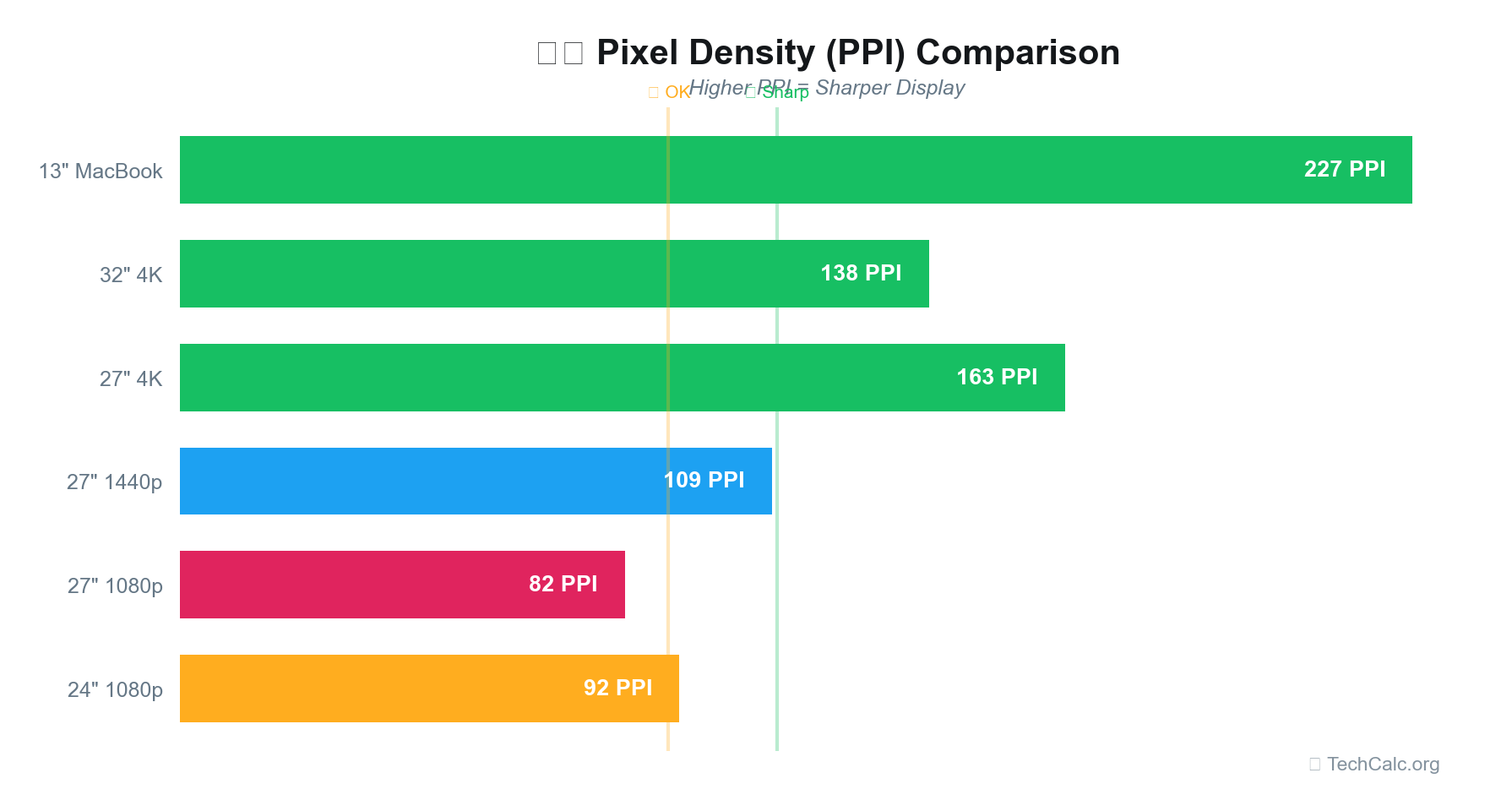
- Check Resolution and PPI: After exporting, you can use a tool like our PPI Calculator to understand the pixel density of various screens. While the tik tok video aspect ratio is about proportions, the resolution (e.g., 1080x1920) determines the sharpness. Ensuring your export resolution is high enough for modern phone screens, which often have high PPI, will make your videos look their best. A 1080p vertical video will look crisp on most phone screens.
- Export Settings:
- Codec: H.264 is widely supported and offers a good balance of quality and file size.
- Frame Rate: Match your original footage, typically 24fps, 30fps, or 60fps. TikTok supports all of these.
- Bitrate: Experiment to find a balance. A bitrate between 4-8 Mbps for 1080p 30fps is often sufficient for TikTok without creating excessively large files.
By following these steps, you can take full control over your content and ensure that your videos are perfectly optimized for TikTok, from the initial shoot to the final upload.
Beyond Aspect Ratio: Other Factors for TikTok Success
While getting the tik tok video aspect ratio right is fundamental, it's just one piece of the puzzle for creating viral and engaging content. Several other technical and creative factors significantly influence how your videos perform on the platform.
-
Resolution (1080p, 4K):
- 1080p (1080x1920): This is the standard high-definition resolution and is perfectly adequate for TikTok. It provides excellent clarity on mobile screens without leading to excessively large file sizes.
- 4K (2160x3840): While TikTok can technically support 4K uploads, the platform often compresses videos, and the benefits of 4K might not be fully realized on a small mobile screen. Furthermore, 4K files are much larger, take longer to upload, and can consume more data for viewers. For most creators, 1080p is the practical and recommended choice.
-
Frame Rate (24fps, 30fps, 60fps):
- 24fps: Often used for a cinematic look, but less common on TikTok.
- 30fps: This is a very common frame rate for social media videos, offering smooth motion that looks natural on most devices.
- 60fps: Provides extremely smooth motion, ideal for fast-action content like sports, gaming clips, or dance videos. While 60fps files are larger, the improved fluidity can enhance the viewing experience for certain types of content.
-
File Size and Compression: TikTok has limits on video duration and file size (e.g., up to 10 minutes and 1GB for standard users, 3 minutes and 287MB for older accounts). Efficient compression (using codecs like H.264 or H.265) is key to maintaining quality while staying within these limits. Avoid over-compressing, which can introduce artifacts, but also avoid under-compressing, which leads to unnecessarily large files.
-
Audio Quality: Often overlooked, clear and high-quality audio is paramount. Viewers are more likely to abandon a video with poor audio than one with slightly less-than-perfect visuals. Use an external microphone if possible, ensure proper audio levels, and minimize background noise. TikTok is a sound-driven platform, so crisp audio is non-negotiable.
-
Lighting: Good lighting can elevate even a simple smartphone video. Natural light is often best, but consistent artificial lighting can also make a huge difference in visual appeal. Avoid harsh shadows or blown-out highlights.
-
Engagement Hooks: Beyond technical specifications, the first few seconds of your video are critical. Hook viewers immediately with a compelling visual, a question, or a strong statement to prevent them from scrolling past.
-
Captions and Text Overlays: Since many users watch videos with sound off, captions are essential for accessibility and engagement. Place them carefully within the safe zones, ensuring readability. Strategic text overlays can also add context and drive engagement.
By paying attention to these factors in addition to the correct tik tok video aspect ratio, you'll be well on your way to creating high-quality, impactful content that resonates with the TikTok audience.
Conclusion
Mastering the tik tok video aspect ratio is a fundamental step toward creating professional and engaging content on the platform. While 9:16 (1080x1920 pixels) is the clear standard for a full-screen vertical experience, true optimization goes beyond just these dimensions. Understanding TikTok's UI safe zones and planning your visuals to avoid crucial elements being obscured is equally vital.
We've explored why 9:16 is preferred over 3:4, compared TikTok's vertical format to YouTube's horizontal standard, and highlighted common mistakes to avoid during your production process. By consistently shooting and exporting your videos with the correct aspect ratio, resolution, and an awareness of UI overlays, you can ensure your content looks its best and maximizes its potential for reach and impact.
Remember, a technically sound video, especially one that respects the optimal tik tok video aspect ratio, provides a superior viewing experience, encouraging longer watch times and greater engagement. For more insights into display technology and optimizing your visual content, feel free to explore our PPI Calculator and other tools at TechCalc.org.